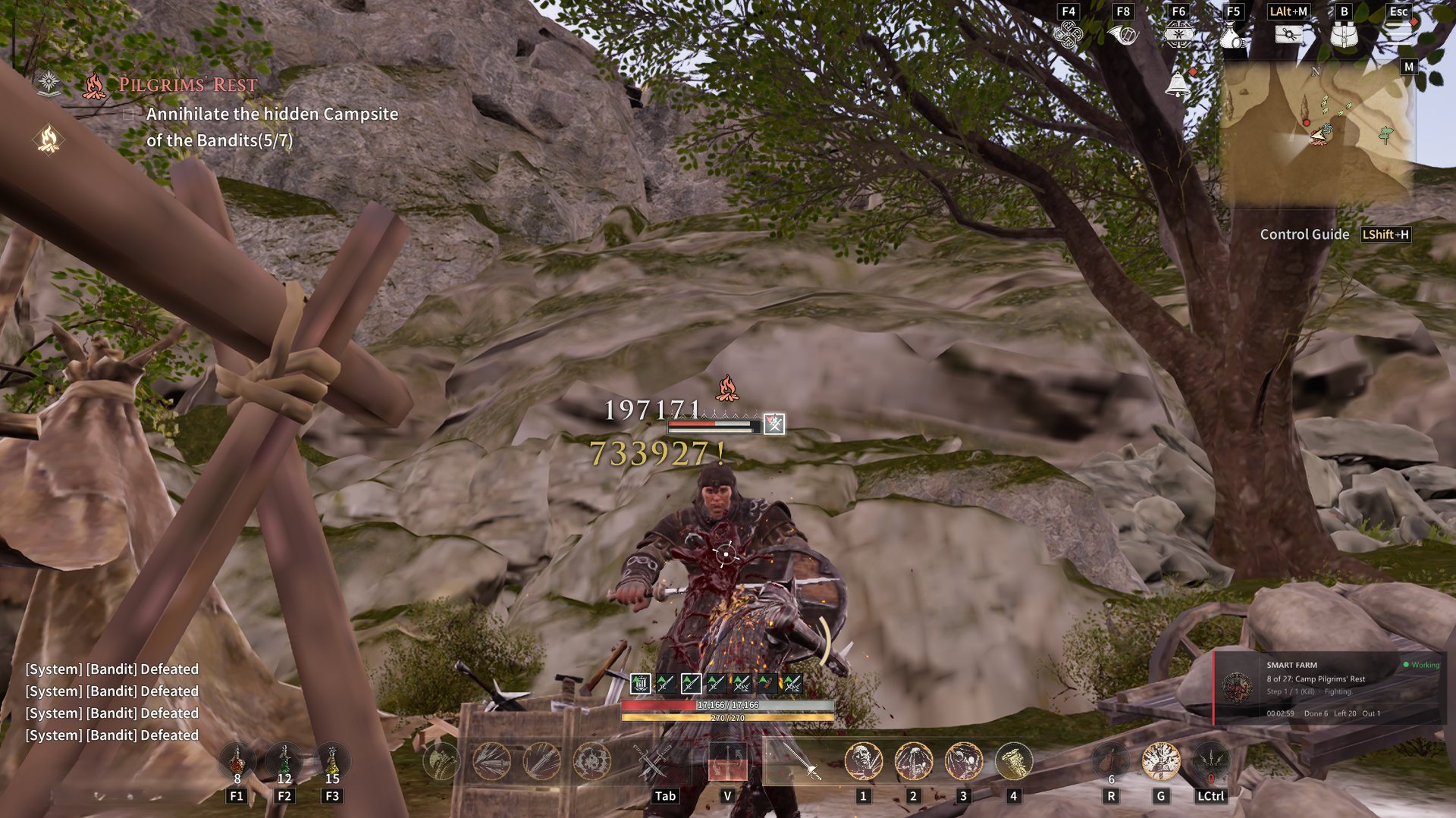
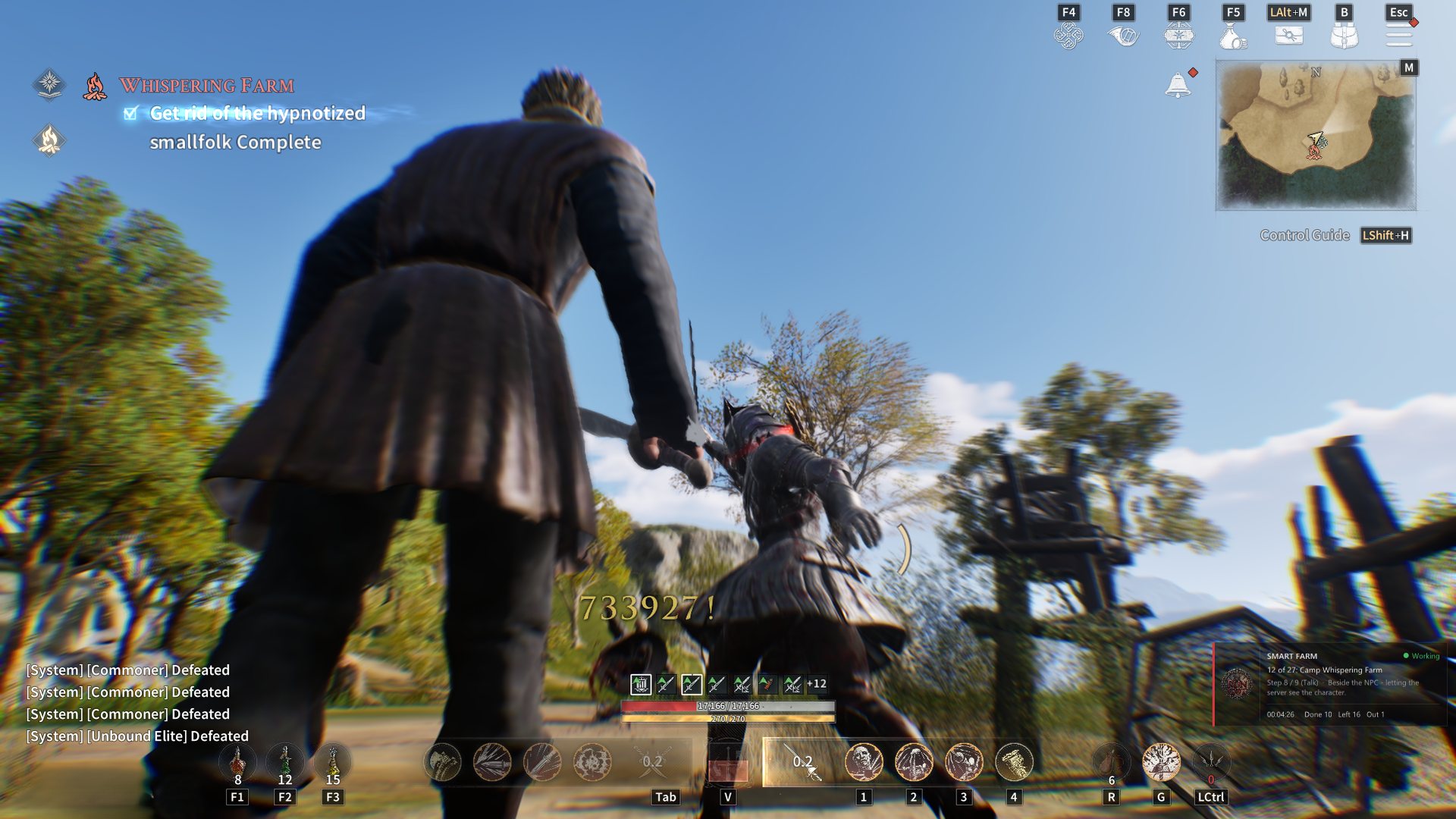
Built to be used mid-raid
Press INSERT — it opens over the game
Five pages, every hotkey rebindable, and your subscription shown at the bottom so you always know where you stand. Click through it below.
Press the hotkey to teleport to the nearest target.
Visited targets are skipped automatically.
Partial — client-side prediction only. Cooldowns are server-authoritative in this game.
Interactive representation of the in-game menu
What it actually does
Two kinds of feature — we label which is which
Kingsroad validates combat on its own servers. Some tools change what the world does; others change only what your client shows and checks. Most sellers blur that line. We mark it on every feature.
Full effect
VerifiedThese change what actually happens in the world.
Client-side only
Partial by designThese pin a value inside your own client. Local gates stop blocking you, but the server keeps its own numbers and can still refuse an action. Useful — and labelled this way in the menu itself.
Eighteen categories
Toggle each one independently
Turn on only what you are farming. The same list drives teleport, so you travel to exactly the category you picked.
Resources & Gathering 06
- Mineral Ores
- Vegetation & Herbs
- Bales & Barrels
- Animals Loot
- Bear Loot
- Skill Books
Creatures & NPCs 06
- Enemies
- Skeletons
- Hostile Animals
- Rare Animals
- White Crow
- Traders
Containers & Loot 06
- Treasure Box
- Arrow Box
- Dragon Coin Box
- HP Box
- Vaults
- Scrolls / Messages / Crows
How it works
Four steps, about a minute
Run the loader as administrator
Right-click
RUN_GOT.exeand choose "Run as administrator". No installer, nothing to uninstall.Paste your key and press Enter
The key binds to this PC on first use. Moving to a new machine is a message to support, not a new purchase.
Start the game
The loader waits for Kingsroad, attaches by itself, then closes. Nothing is written to your disk.
Press INSERT in game
The menu opens over the game. Every hotkey is rebindable from the Settings page.
Plans
One PC per key · transfer any time
Every plan includes the same features and the same updates. A key is tied to one computer; if you rebuild or replace your PC, message support and it will be released for you — your remaining days carry over.
Why Windows warns you
The question we get most
This warning is expected
RUN GOT attaches to a running game, which is exactly the behaviour SmartScreen and antivirus are built to flag. You will see something like this the first time:
Windows protected your PC
Microsoft Defender SmartScreen prevented an unrecognised app from starting. Running this app might put your PC at risk.
- Click More info, then Run anyway.
- If your antivirus removes the file, add an exception and download again.
- Always start it with Run as administrator — it cannot attach to the game without it.
FAQ
Straight answers
Can my account get banned?
Yes. Using any third-party tool breaks the game's terms of service, and nobody can promise you otherwise. Anyone selling you a guarantee of safety is guessing. Decide with that in mind, and do not use it on an account you cannot afford to lose.
Why are some features marked "client-side only"?
Because the game checks combat on its servers. Stamina, rage, skill cooldowns and time dilation are pinned inside your own client — local limits stop blocking you, but the server keeps its own count and can still refuse an action. We label these instead of selling them as more than they are. ESP, teleport, noclip and movement are not affected.
Do I need to install anything?
No. One executable, Windows 10 or 11 64-bit. No runtime download, no installer, and the tool is removed from your disk as soon as it attaches to the game.
Can I move my key to another PC?
Yes. A key locks to the first computer it activates on. Message support and it will be released so you can activate it elsewhere. Your remaining days carry over.
What happens when my plan ends?
The tool stops working within a minute of expiry — in game as well as in the loader. Renew and the same key keeps working; you do not get a new serial and you do not lose your history.
How do I get a key?
Join our official Discord server at discord.gg/TD2wMYe8Th and open a ticket. Let us know which plan you want (1 Day $3, 7 Days $15, 30 Days $40, or Lifetime $200), and you will receive your key immediately upon payment.